

In this newsletter:
📝 Post: Is Your Device Getting Better, or Just Better Looking?
🗞️ In Case You Missed It: Meta
🗞️ In Case You Missed It: Open AI
🗞️ In Case You Missed It: Streaming TV and Games
😎 Pick of the Week: Travel Picks
📦 Featured Product: Fidget Toys
📝 Is Your Device Getting Better, or Just Better Looking?
Have you ever woke up and your phone or computer now looks different than it did before? Maybe the buttons moved or changed shape. Maybe an icon looks different. Or worse, you can’t find that one setting you know exactly where it is because all of the menus have changed, too.
Well, Operating Systems (OS) send out updates all the time. Some you never notice as they may just be bug fixes or some small feature update. Some are nice because our phones and computers can now do things it couldn’t before. But some are aggravating - especially when we didn’t expect it and we’re use to our daily workflow.
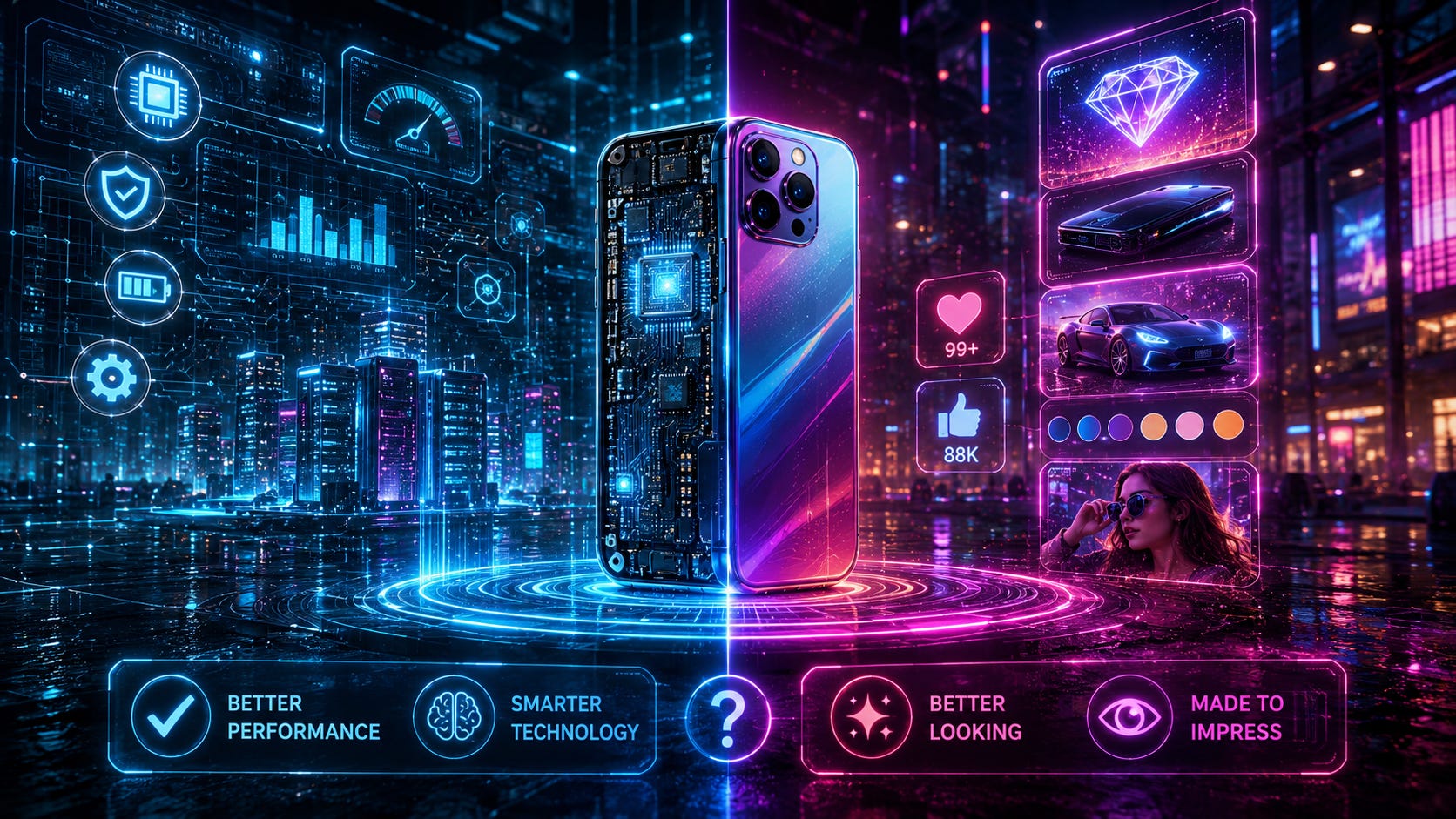
The difference in these two examples is referred to as the User Interface (UI) and the User Experience (UX). Put simply, the UI is what you actually see and touch in regard to the menus, icons, tabs, and more. The UX is how the system actually functions. Is it easy and intuitive or is it confusing and difficult? Ultimately, can you find what you need and do what you need to do?
Let’s compare this to your home’s kitchen. The UI is how the kitchen looks. The UX is whether or not the dishwasher is too far from the sink, or if you can find a utensil without opening half the drawers. While each has its place and use case, the distinction actually matters. Software companies always update their systems, and sometimes it’s a UI update, but sometimes it’s a UX update. These two can absolutely go hand in hand, combining to make things easier for users.
Across our computing world, I want to break up two areas into two categories. To start, let’s talk about desktops vs mobile. In the desktop world, the two main players are Apple’s Mac OS and Microsoft’s Windows OS. In the mobile world, the two main players are Apple’s iOS and Google’s Android. I know there are others, but I am only discussing these two as the role of comparing UI and UX is pretty clear between the two.
Both of Apple’s OS’s are the same story (generally). There is one polished UI across their system, there is one way to do something within the OS itself or within the settings, and there are few (if any) ways to customize the look and feel. With this comes consistent and a predictable UI and UX. To keep the food analogy going, Apple UI and UX is like going to a restaurant where the menu is limited and substitutions are not allowed.
Lumping Windows and Android together, both systems allow the user multiple ways to do the same thing. For example, a setting can be changed within the Settings app, the control panel, a right-click menu, keyboard shortcut (opn desktop), or even with root level commands from the coding backend of both systems. This UI and UX could be compared to a restaurant’s buffet where everyone is getting the same things, but the portions differ and everyone’s plate looks different.
It’s important to note that neither approach is better for either the UI or the UX. This is where user preference usually helps with decisions. I’ve talked about my past conversion to the Apple System (Confessions of an Apple Convert: Embracing the Blue Bubble), and even wrote a recent post about Is Your Ecosystem Making Your Decisions for You? Sometimes, one or two apps, regardless of the UI or UX make that decision for you, too.
The Apple process of one “one way to do X” works for some because there are no decisions to make and “things just work.” The Windows/Android process of “do things multiple ways” and “make it look and function however you want” allows people to tinker and argue that “things work better.” Comparing flexibility vs consistency is probably the biggest argument when trying to decide. Which, no one can make that decision for you.
UI (looks) and UX (behavior) both work together to create systems that look and work for you the way you want them to. The look of your system matters, and the way it function matters, but working together is the sweet spot we look for when choosing. But remember, whichever system we do choose, we are also giving up some level of looks, function, or consistency.
So the next time your phone or computer updates, pay attention to what actually changed. Did it just get prettier? Did it become easier to use? Did it hide something you used all the time? Did it give you more control, or did it quietly take control away? Because at the end of the day, the best system is not the one that helps you do what you want to do without thinking about it.
🗞️ ICYMI: Meta
Last month, the New York Times reported that Meta created a Prediction Market app. It was then revealed that they were in talks to acquire Kalshi but deal fell apart. But that’s just one subsidiary of Meta. Their messaging app, WhatsApp, just opened username reservations. Make sure you claim your handle before it's taken. On their Instagram app, they developed an AI image model in bid to court advertisers and subscribers. The kicker here is anyone on the platform can reuse your images to create an AI image. Make sure you opt out of this new Instagram feature if you choose to do so.
🗞️ ICYMI: OpenAI
If you subscribe to OpenAI’s ChatGPT, you should be seeing a new interface soon if not already. This week, OpenAI released a new ChatGPT tool for all things work related. This combined their previously separate app, Codex, and now includes sites, scheduling tasks, and more capable Agents. You can also use the app’s voice feature to hold a conversation between two speakers using different languages while ChatGPT translates in realtime. This update includes a launch of GPT-5.6 Sol, Terra, and Luna, their most intelligent model, their balanced model, and fastest model.
🗞️ ICYMI: Streaming TV and Games
Streaming services are ever changing and always adding and removing content. However, it appears that Netflix Is Exploring Live TV and Bundles as It Struggles to Keep Viewers Hooked. Not sure how that’s ever been an issue, as there doesn’t appear to be a decline in viewership. Among others, Netflix and Sony Are Reportedly Circling Letterboxd. This would give either entity “a social network and an audience research tool.” Sony’s other revenue stream, PlayStation, confirms end of physical games. The gaming world is about to change, because Xbox is also working on a way to digitize your physical game collection while they are Cutting More Than 3,000 Jobs in Xbox Division. In other sad gaming news, a fan favorite - Mario Kart Tour will shut down later this year, with no offline mode planned.
😎 POTW: Travel Picks
While most summer trips may be winding down, I wanted to share some travel picks before it got too late. Enjoy these whether you’re traveling by car, plane, or just planning for next summer’s trip!
From fairytale towns to secret islands: Europe’s hidden gem travel destinations
These Odd Travel Hacks Actually Work in 2026: Yogurt, Hats, Maps, & More
📦 Featured Product
Looking for something to help keep you focused, ease restlessness, or just something to play with in your hands while you’re thinking or simply just sitting at your desk or on your couch? How about a simple fidget toy? Here are some that click, spin, rotate, and more!
