

In this newsletter:
📝 Post: Why Does Zooming In Sometimes Make Your Pictures Look Worse?
🗞️ In Case You Missed It: Tech Headlines
😎 Pick of the Week: PhotoCircle App
📦 Featured Product: Reusable Cameras
📝 Why Does Zooming In Sometimes Make Your Pictures Look Worse?
Last week, I talked about aperture, shutter speed, and ISO, and how those settings work together to create a picture. But there’s another camera control most of us use without giving it much thought: zoom. Most smart phones allow you to choose a zoom distance or use your fingers to pinch in on the screen to zoom in or out based on the type of picture you’re taking.
Except your phone might be doing a few different things to make that happen. If your phone has multiple camera lenses on the back, it is probably switching in between those based on how much zooming you do. It’s also combining a lot of computation with the other settings previously discussed based on how much light is now available, where the focus should be placed, and much more.
One other big caveat to this includes the specific differences in the lenses on those cameras. Again, as mentioned, those lenses have very specific dimensions and distances associated with them. If not, then why wouldn’t we just have one lens? Essentially, each lens has a measurement tied to it. Using the most recently released iPhone 18 Pro as an example, it has 3 different lenses that measure: 13 mm (ultra wide), 24 mm (main), and 100 mm (telephoto).
As you may have already guessed, the 24 mm main lens is the default lens that pops up when you first open the camera app. Zooming out, or pressing the .5 button, launches the ultra wide (or macro) lens for wider shots - essentially allowing more objects in the frame. Zooming in, or pressing the 4x button, launches the telephoto lens for more up close shots.
There is a kicker here… you may also see a 2x and 8x button. You may also have noticed even prior to this phone that you can physically zoom in and out with the pinch gesture at any distance. For example, 3x or 6x. Or even up to 40x! So what’s actually going on here? Well, with the 2x and 8x, the phone and lenses are doing some special “optical quality” adjustments to make sure these distances and zoom levels also look good. This helps mirror what traditional standalone cameras do when zooming - the glass elements physically move to allow the image to now appear closer or further away - essentially giving another level of zoom.
However, and this is a big however, all of the other distances are using a digital zoom. And with this, they are basically cropping a larger image, or digitally zooming in on a smaller image. All of the zoom levels you see on the screen do not represent a physical stop of the lens or a new lens, it’s just a digital representation of what the lenses and software are tricking into happening.
So what does this really mean when taking a picture you may ask? Well first, have you ever asked yourself, “Why Does Zooming In Sometimes Make Your Pictures Look Worse?”
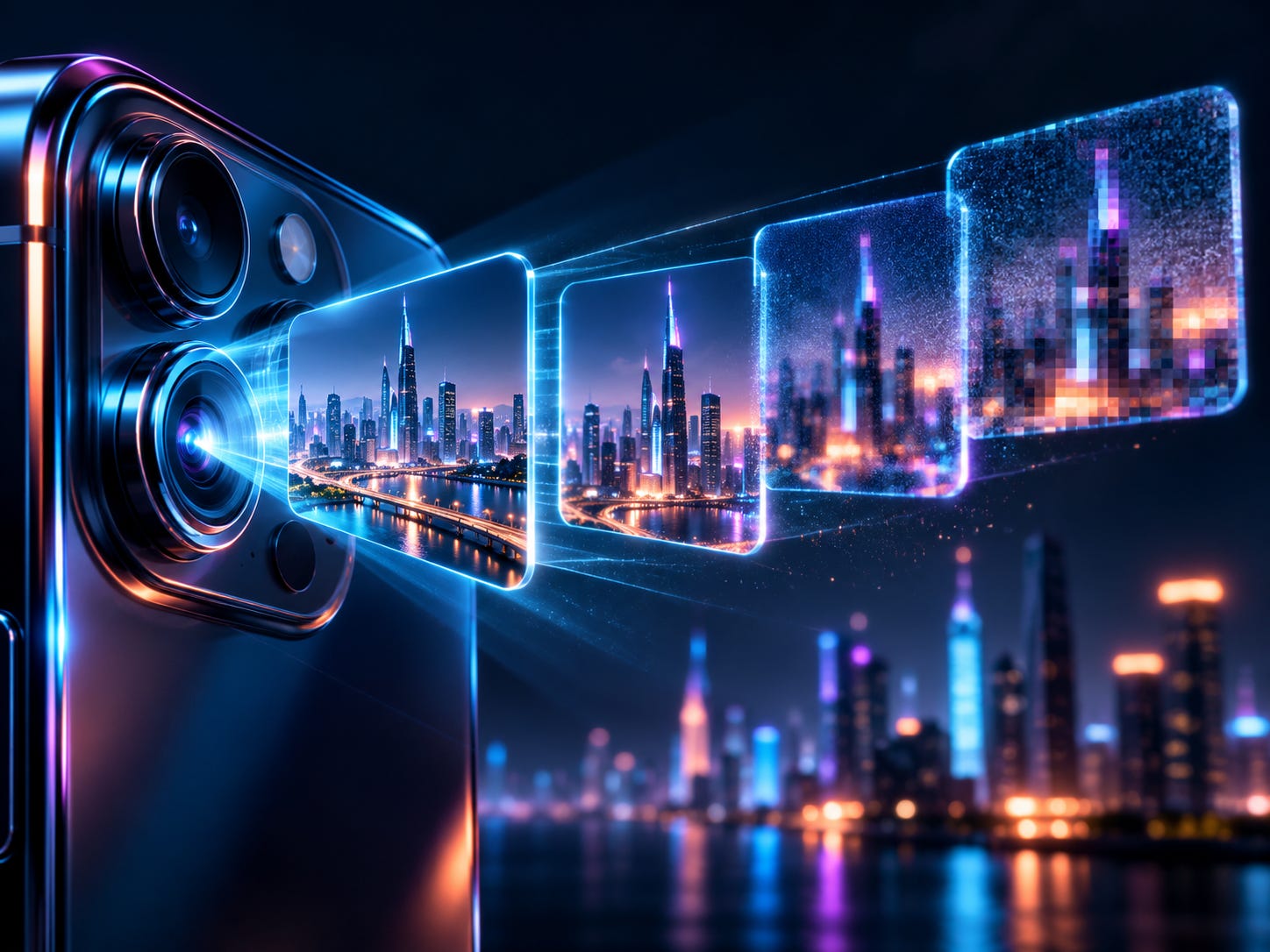
The reason is mainly because of what we just discussed. The ‘zoom’ at the levels (or distances) not specific to a lens is ‘cropping’ your images. These usually have a 2x crop, too. What this means in reality is if you take an image at an unspecified lens distance, is the pixels that create the image are cut in half. So, in the Apple example - a picture taken with a 4x zoom lens may have 48 megapixels, but an image at 3x or 5x will only have 24 megapixels. In either case, the zoomed in or out image from the original 4x lens distance cuts the quality of the picture in half!
For most people, it’s not that big of a difference because the cameras have such great quality overall. But if you are zooming in on your pictures after the fact, those differences become quite clear pretty quickly.
So the next time you pinch to zoom, will you know whether your phone is using a different lens to get a better picture quality, or just making a smaller piece of the picture… bigger?
🗞️ ICYMI: Tech Headlines
Amazon unveils new lineup of Alexa devices including redesigned Echo Show.
Anthropic IPO filing reveals $80 billion net loss, spending spree
Apple ‘Pro and tell’ event: Everything announced this week, including the M6 MacBook Pro and iMac, an OLED MacBook Pro With Touch Display, and the rollout of iOS 27.2. Apple also says it will replace iPhone Duo units showing screen problems.
Google Quietly Updates Privacy Policy to Let Gmail and Photos Data Feed Ads
Microsoft offers buyouts to nearly 30% of workforce in ongoing AI shift
New Airbnb rules ban hosts from making guests wash dishes, do laundry & other checkout chores
😎 POTW: PhotoCircle App
Have you ever attended an event with multiple people and tried to share pictures across devices, locations, and more? The PhotoCircle App allows you to create a private ‘circle’ to share pictures and videos in one centralized location. Members can be added through a shareable link, a scannable QR code, or via a direct invitation within the app. Use it at conferences, weddings, for families, social groups, school events, and much more. Download and start sharing on Apple’s App Store, the Google Play Store, or via the Web.
📦 Featured Product
Keeping the camera theme going… perhaps you have a little nostalgia and want to carry a device around that only takes pictures. But isn’t expensive or bulky in comparison to traditional photography cameras. If so, check out the Kodak EKTAR H35. This is essentially a 35mm reusable updated version of the disposable cameras we’re all to familiar with. And just like disposable cameras, the film must be sent off for processing. It may not always beat your phone in quality, but it will be a bit more fun and bring some adventure to your travels. It comes in a few color options, is lightweight and pocketable, and has a built in flash. Another alternative is from the brand Long Weekend.
