

Are You Using Your Inbox the Wrong Way?
Weekly Wheaties #2629
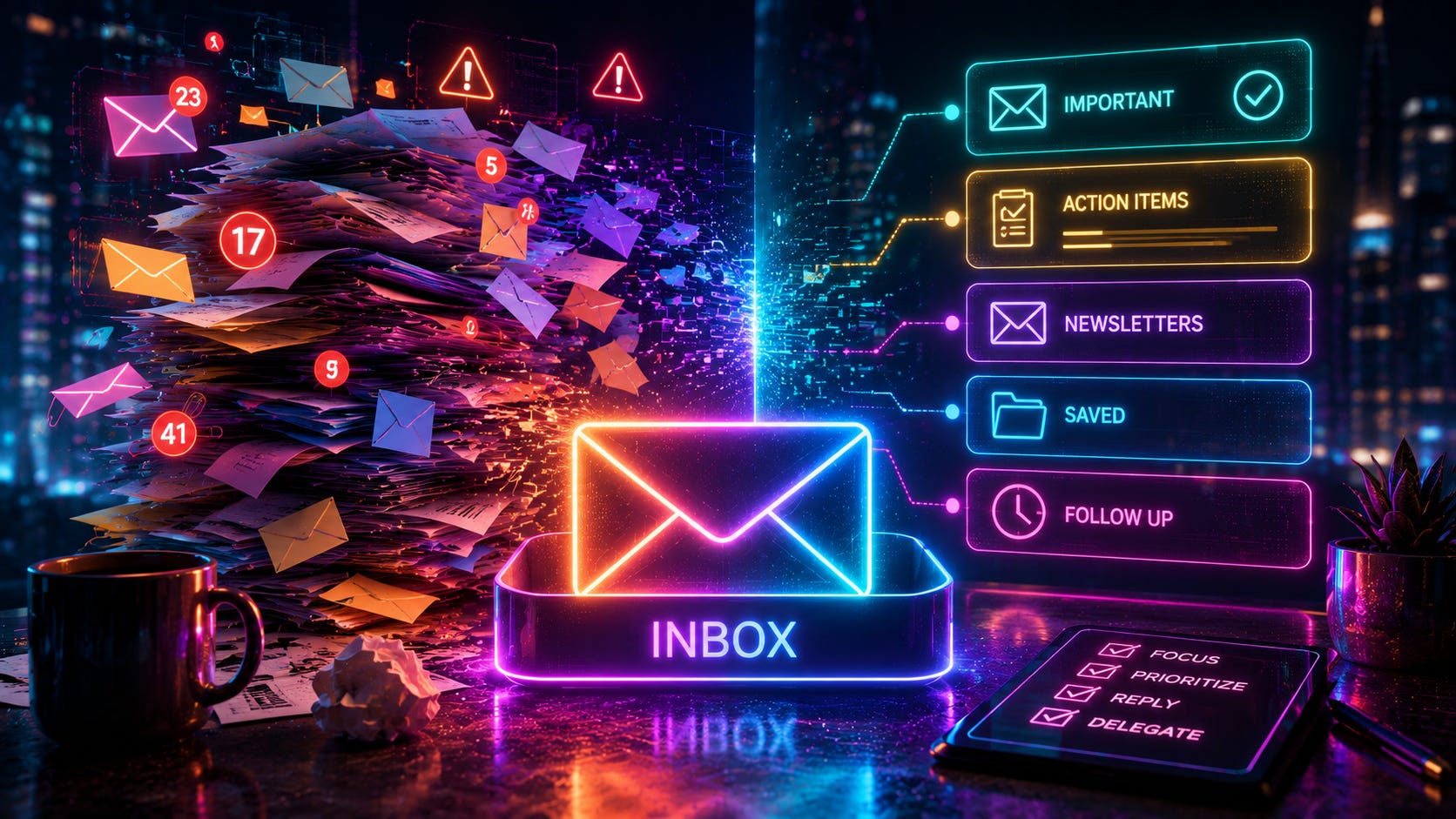
In this newsletter:
📝 Post: Are You Using Your Inbox the Wrong Way?
🗞️ In Case You Missed It: AI, Mobile, and Other Headlines
😎 Pick of the Week: Entertainment Picks
📦 Featured Product: Multitools
📝 Are You Using Your Inbox the Wrong Way?
A few years ago, I wrote a post about how to get to Inbox Zero in your email.
And before you start making excuses, no, Inbox Zero does not mean you are better than everyone else because your inbox is empty. It also does not mean you respond to every email immediately, live inside Outlook all day, or treat every notification like an emergency. Put simply, Inbox Zero means your inbox functions as a tool rather than a catch all.
I think most of us are used to and comfortable using email since we must use it for work. Not to mention it functions like a more in-depth text message, which we are all familiar. The problem is there is a lot more “junk” in our email, and it feels like a never-ending list of things to keep up with. As we receive more and more email, it becomes quite overwhelming. In the post linked above, the 5 main tips I shared still ring true today.
Move all current emails into a new folder called “Old Inbox”
Use your inbox as a “working table”
Create rules and filters for anything and everything
Create folders (or labels/categories) for everything
Use search!
What can be a bit confusing, or what may seem like a cheat at first, is by simply starting today with no emails in your inbox. These tips work collectively to help you manage your inbox. By moving everything currently in your inbox to another pre-determined folder, and creating a system to track your emails, your inbox can now become your Todo list of sorts.
Keep in mind: we are not deleting anything. We are not pretending the emails don’t exist and acting like we will never respond or act on them. We are simply giving ourselves a clean starting point. Remember, email should function like a tool, and in order to do that, starting fresh allows us to continue the process more effectively once it gets going.
Before any emails come in, we can choose on a new organizational system - and an important note: there is no one correct system. This can be based on a category or labeling structure, or a foldered structure. To be fair, I know many people who leave every email ever in their main inbox and just use the search feature mixed with categories or labels. It works for them. But if this worked for you, you would have already stopped reading by now I bet.
I prefer, and suggest, specific folders for every [topic, project, item, person, etc]. The system I use to create my folders and organization is based on the Johnny Decimal System. I’ve been using it for a few months and I’m sold. Anytime I need to find a file, note, or email, I can go straight to the given folder. Not sure what folder it’s listed under? Simple - just check the index file!
Alternatively, you could also wait until new emails come in, and create an organizational structure up based on who it’s coming from, what project it goes with, or what topic it falls under. Any system will be continually updated, so there’s flexibility. Now, the goal is simple: any email that lands in your inbox should eventually be handled in one of a few ways: responding, filing, deleting, or leave it to become a Todo later on.
Later on, you can attack that old inbox folder and start organizing those emails by searching [by topic, project, name, etc]. By simply searching the term, “Unsubscribe” the results will net all emails that you can then unsubscribe to. Or with a clean inbox, you’ll see them coming in in real time and can act then. I haven’t used it, but the app Trimbox: Email Cleaner has great reviews and appears to help do this step much easier.
Now, let’s talk about a few general email habits that have nothing to do with Inbox Zero but can save you headache in other ways.
First, you can highlight any text in your email, right click (or click the properties button of your email app) and select “Insert Link.” This will allow you to make your text clickable and go to a website of your choice to anyone you send the link to. Any of the text in this post that is colored red is clickable and created the same way.
Second, be careful with “Reply” versus “Reply All.” Sometimes indicated by a single curved arrow or a an arrow with two heads. Reply means you are responding only to the original sender. Reply All means you are responding to everyone in the “To” and “CC” fields. The “To” field is who you are intending to see the email - just like a text message (which can also be a group).
The “CC” stands for Carbon Copy and lets the recipient(s) in this box be in the loop. This is also you telling them, “Hey, this is important, but you don’t necessarily need to respond.” They are receiving a copy for their records.
The “BCC” stands for Blind Carbon Copy and lets the recipient(s) in this field receive the email as if it was only sent to them as an individual email. They will not see anyone else in the BCC field, however, they will see others in the “To” and “CC” boxes. Also important here, no one else who may be in the “To” or “CC” fields will see the users who received the email in the “BCC” field. This is also a way to email a lot of people the same email without anyone being able to choose “Reply all.”
Third, utilize email drafts more often! Many times, people will send an email as soon as they finish and immediately say, “Oops!” because they noticed a misspelt word or incorrect date.
Sometimes it can be helpful to write the message, leave the recipient blank, save it as a draft, and come back to finish it later. Leaving the recipient blank is the important part, because email apps will not let you send an email until that is filled out. If you don’t want to forget the users email for instance, just paste it at the top of the email and remove it before sending.
One last trick is to have an ongoing email chain with yourself that is pinned at the top of your inbox. That way, you always know where it is and its easily accessible. Simply right clicking on the email in your inbox will allow you to choose “Pin to top” where the email will live until you unpin, delete, or file it away.
So, keep in mind, with all of the advancements we’ve seen in technology - including the chat apps, project management tools, and AI chatbots - email is still default communication tool to most and doesn’t appear to be going anywhere anytime soon.
If we have to use it, why not use it as a tool to make our lives easier. Find a system that works for you and implement it! If your inbox currently has 100+ unread emails, this is for you. Make sure your inbox is helping you get things done rather than be a place where emails go to disappear.
What other email tricks are you using?
🗞️ ICYMI: AI, Mobile, and Other Headlines
While Meta is doubling down on its Louisiana AI data center bringing the project’s cost to more than $50 billion, New York becomes the first state to enact a data center moratorium. SpaceX and xAI are working on moving their data centers to space, and China just switched on the first underwater data center, cooling servers with the ocean to slash energy use. On the software side of this, Apple Sues OpenAI, Accusing It of Stealing Company Secrets after hiring over 40 former Apple employees.
After almost 7 years on mobile Ninendo has to decided to shut down Mario Kart Tour on September 29, with no offline version planned. Specific to Android, Third-party app stores are coming to Google Play next week as the Epic settlement was withdrawn. This will open up tons of opportunities for new games and apps, so look for a Mario Kart clone if you are missing out. Current alternatives include Sonic Racing, Disney Speedstorm, and Beach Buggy Racing.
Just in case you were wondering, Cryptocurrencies are still here. Visa Is Expanding Its Crypto Push With New Stablecoin Platform, potentially opening the door for other financial organizations to make a move if they haven’t already.
Engineers at The University of Texas at Austin created a Wearable jacket that extracts 900 ml of drinking water daily from the air.
😎 POTW: Entertainment Picks
TV shows, movies, and music all keep us entertained and feel human. If you’ve ever wondered how things changed over time, what some actors really think about, or simply curious about the industry, here’s some entertainment picks I hope you find interesting:
In case you forgot directors cuts exists, I present to you - Ben Affleck Mocks Armageddon
SeasonTracker — Track TV Show Seasons, Renewals & Cancellations
📦 Featured Product
Perhaps fidget toys weren’t your style? What about a multitool? Here are 3 different styles, so I’m sure one of them look interesting!
