

In this newsletter:
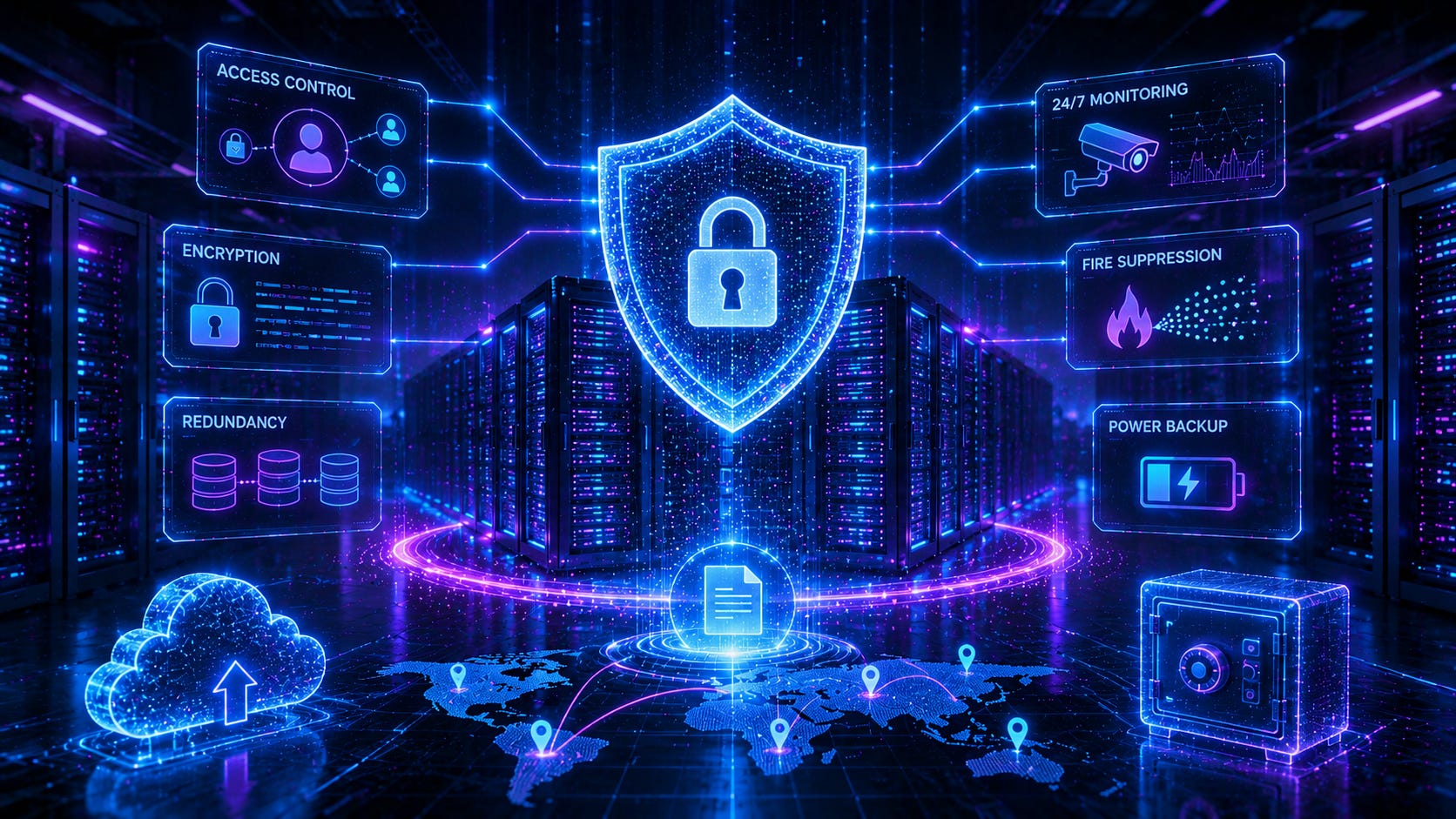
📝 Post: How Do Data Centers Keep Your Files Safe?
🗞️ In Case You Missed It: Meta Updates
🗞️ In Case You Missed It: TV Headlines
😎 Pick of the Week: Sports Picks
📦 Featured Product: World Cup Merch
📝 How Do Data Centers Keep Your Files Safe?
Almost everyone who owns a phone or uses a computer has heard one of the following statements:
“Back up your files.”
“Store things in the cloud.”
Even I’ve shared that multiple times before. I’m obviously biased, but one of the better posts I think I’ve made on this topic is Understanding Where Your Data Lives and How the Cloud Works. But just knowing how and where these companies are storing our data is only one part of the problem. We can assume our data is stored on hard drives, and (after reading the above post) we understand our data may be split across multiple data centers.
But what happens when hard drives go bad? Because they do go bad…
Data centers use a “best practice” in the computer world that you may also use at home should you so choose. It can’t be utilized on laptops (typically), but it can and is used on Desktops and personal External hard drives all the time. Your servers used in your work/office probably utilize this method, too.
It’s a process known as RAID (Redundant Array of Independent Disks). And the process is in the name. A hard drive is also called a disk, and by having multiple, independent disks, the array provides redundancy.
Now you may be thinking, “I will NEVER use this…” and you’d probably be right. But I still think understanding what’s happening on the backend of things is important. Maybe you get a trivia question right one day, too! ****
As mentioned, most of these hard disks in use will fail. They have a lifecycle based on a number of reads and writes, but may also fail in general due to power surges/loss. Just like anything, they are getting better, faster, and cheaper, but again - they can and will still fail over time.
Well, believe it or not, these data centers also backup everything. At least for the most part. Each data center approaches it in a different way, but for the most part, they’re all backing up their data. The RAID process allows multiple ways of backing up or storing data across multiple disks, not just one. This provides redundancy or speed through two main ways known as Striping and Mirroring.
Striping splits data across two (or more) drives. It’s faster to access, but doesn’t always provide proper redundancy. A perk here, though, is by using multiple drives and splitting the data, you have the same amount of storage space that can (theoretically) be accessed in twice the speed. The main downside here is if you lose one drive, you lose everything.
Mirroring puts the same data on two (or more) drives. This means if one (or more) drives go bad, you can still have 1 good copy. However, you will only get the total storage space of one drive.
For both striping and mirroring, both all drives must be identical in brand, model, size, and speed.
Where this becomes more powerful though, is combining striping and mirroring together. It does require more drives, but when dealing with a server or larger external storage drive, they will typically have 5 or more drives in use. The more drives in use, the more that can go bad at the same time. When a drive does go bad, techs can swap out a new drive for a bad one, and they system will automatically adopt it and set it up to work with the others.
By utilizing RAID, and even other systems, data centers can provide massive amounts of storage, quickly, with redundancy. As mentioned before, these data centers are not only using RAID locally at each center, they are utilizing a physical version of RAID by having your data stored across multiple centers across the nation.
The next time you upload files to the cloud, remember that multiple hard drives in multiple locations are working together to make sure it is backed up when one of the drives eventually fails. Cloud storage isn’t reliable because hard drives never fail, it’s reliable because engineers designing these data centers expect them to.
🗞️ ICYMI: Meta Updates
As Meta integrates AI and LLMs across their platforms in many ways, it seems they are stepping back usage internally. They have decided to ‘pause’ the employee tracking program after it let the whole company see sensitive data. However, in other AI news, they are planning to release AI-powered prediction market app. It will be interesting to see what a final product looks like and if it’s using setiment across their apps to change the market.
On the hardware side, Meta Launches Cheaper Own-Brand Smart Glasses For $299. These appears to essentially be their version of the RayBan Meta Glasses. Perhaps their non-compete is over, and they’re allowed to sell their own? Either way, you can purchase them on the Meta Store or on Amazon.
🗞️ ICYMI: TV Headlines
AI Goes Hollywood: Google, A24 Strike $75M AI Deal for Filmmaking Tools
The Steam Machine is now available for purchase
😎 POTW: Sports Picks
Art But Make It Sports: Epic Matchups Where Art and Sports Collide is a coffee table book with “a clever and laugh-out-loud art history twist” matching your favorite sports moments with their fine art doppelganger.
Interested in watch live baseball games, but don’t necessarily subscribe to services that show each game? Well, you can try out MLB.TV or catch pitch by pitch rendered in a pixel art with Ribbie: 8-bit baseball.
Play 82-0 and see if you can construct a historical NBA roster capable of achieving a perfect undefeated season. Choose one player from a random team from a random decade until you complete your team.
Watching the World Cup and still confused a bit? Check out this video on The World Cup Explained For Beginners or Every position in soccer.
📦 Featured Product
To help celebrate the FIFA World Cup happening across the US, Canada, and Mexico, here’s some licensed World Cup merch:
